 BookStoreBase
Scan an ISBN
Use a USB or Bluetooth scanner, type an ISBN, or use your phone camera to look up a title.
Cataloging
Scan a barcode or photograph a stack. Bring in the book details, then track the things that make each copy yours: condition, price, and shelf.
THE WORKFLOW
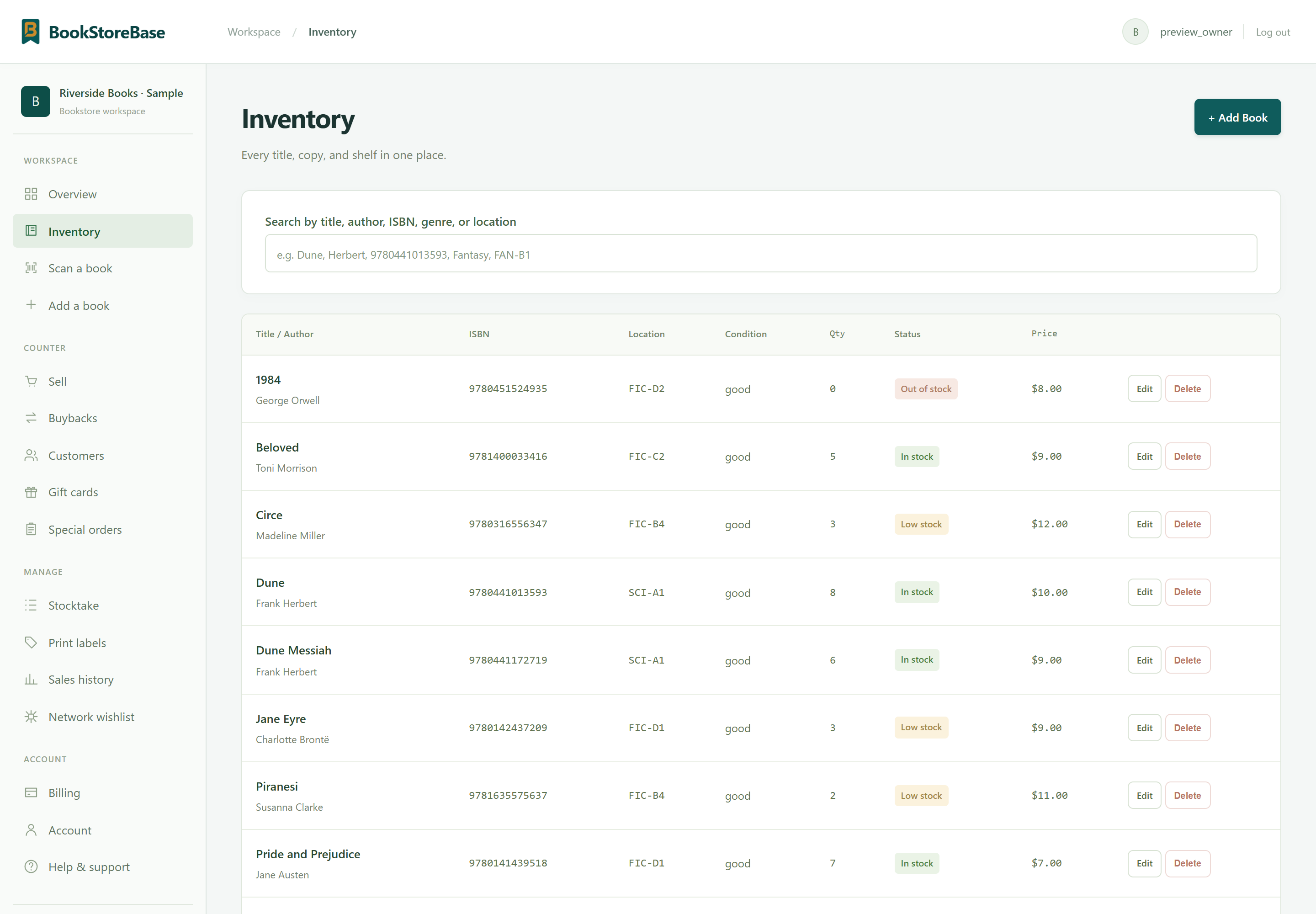
A title is one thing. Its physical copies are another. Keep the bibliographic details together while giving each holding its own condition, location, quantity, and price.
Use a USB or Bluetooth scanner, type an ISBN, or use your phone camera to look up a title.
Recognize multiple book spines and review the matches before adding anything to inventory.
Pre-fill a stocktake from a shelf photo. Review counts and possible misplaced books before applying changes.

! One difference to review before confirming
HOW IT WORKS
Scan or search for the title.
Set condition, location, quantity, and price.
Find the copy from your inventory or selling screen.
KEEP EXPLORING
ONE PLAN. EVERYTHING INCLUDED.
Free for 3 months. Then $29.99/month.